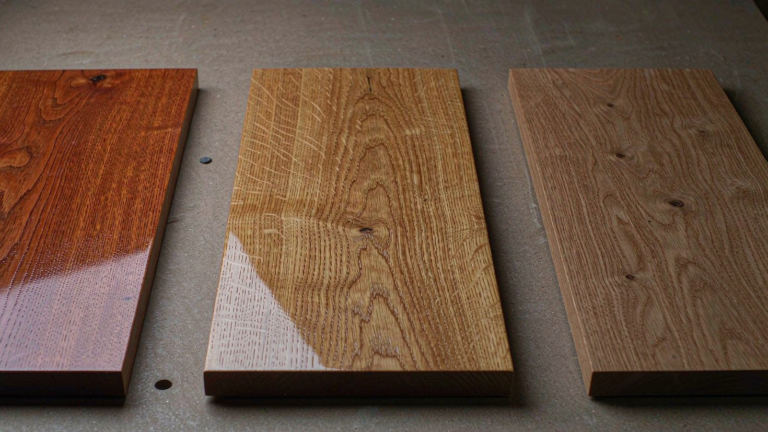

AI is no longer a futuristic idea in interior design. It is already changing how designers generate concepts, present ideas and even specify products for real projects. At the same time, the number of AI tools for interior design is exploding, which makes it hard to decide what to actually use in a professional workflow.
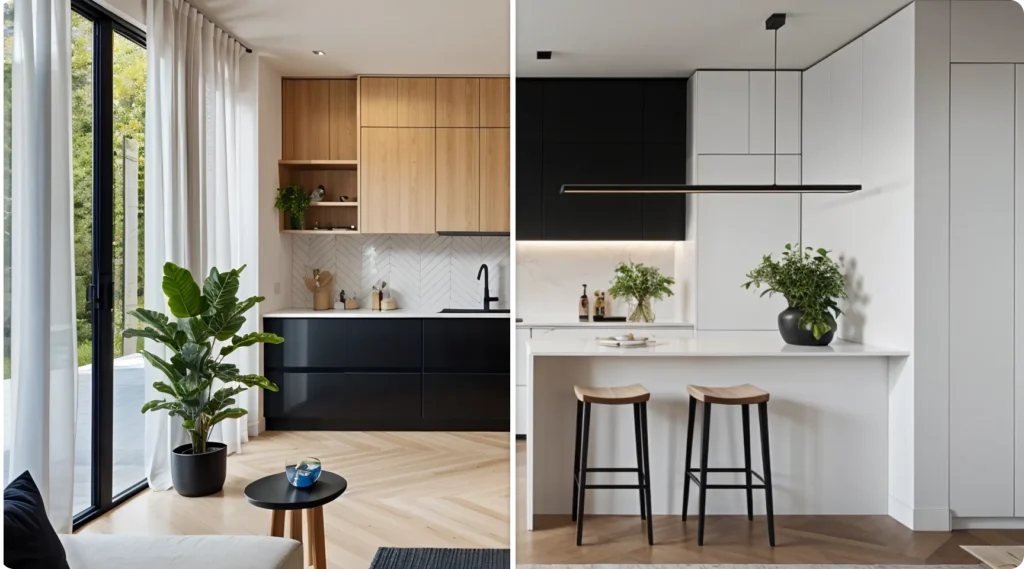
This guide walks through the main types of AI interior design tools available in 2026, shows where they fit in a real project, and explains how brands like Fenmi combine them with manufacturing to turn ideas into finished spaces.
Why AI Matters Now for Interior Designers
AI tools are not replacing interior designers. They are changing what designers spend time on. Instead of drawing every option by hand, professionals can now:
- Test multiple layouts and styles in minutes.
- Produce client‑ready visuals much faster.
- Explore more daring ideas with less risk.
Recent guides show that AI can cut early concept time by 30–50% for many studios, especially at the rendering and visualization stage. That does not mean less design work. It means more time for research, client meetings and material decisions—areas where human judgment still matters most.archivinci+2
Four Types of AI Interior Design Tools You Need to Know
Most articles online list long tool collections without much structure. In practice, almost every AI interior design tool falls into one of four groups. Understanding these groups helps you choose the right tool for each job.
1. Concept and Moodboard Generators
These tools are best for fast visual exploration at the very beginning of a project.
Typical examples mentioned across recent reviews include:
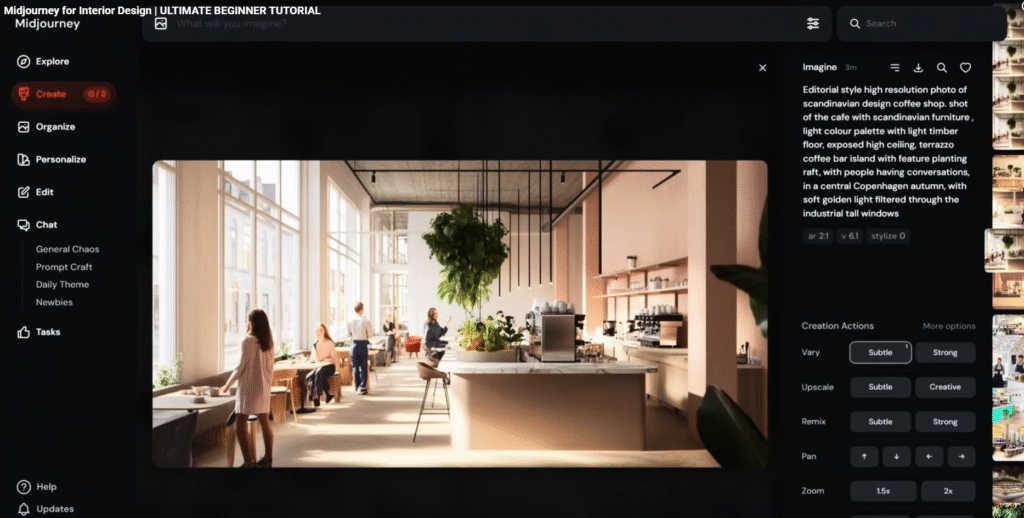
- Midjourney / DALL·E‑style image generators – Create atmospheric room scenes from text prompts. Designers use them to explore style directions, lighting moods and storytelling before committing to a full 3D model.
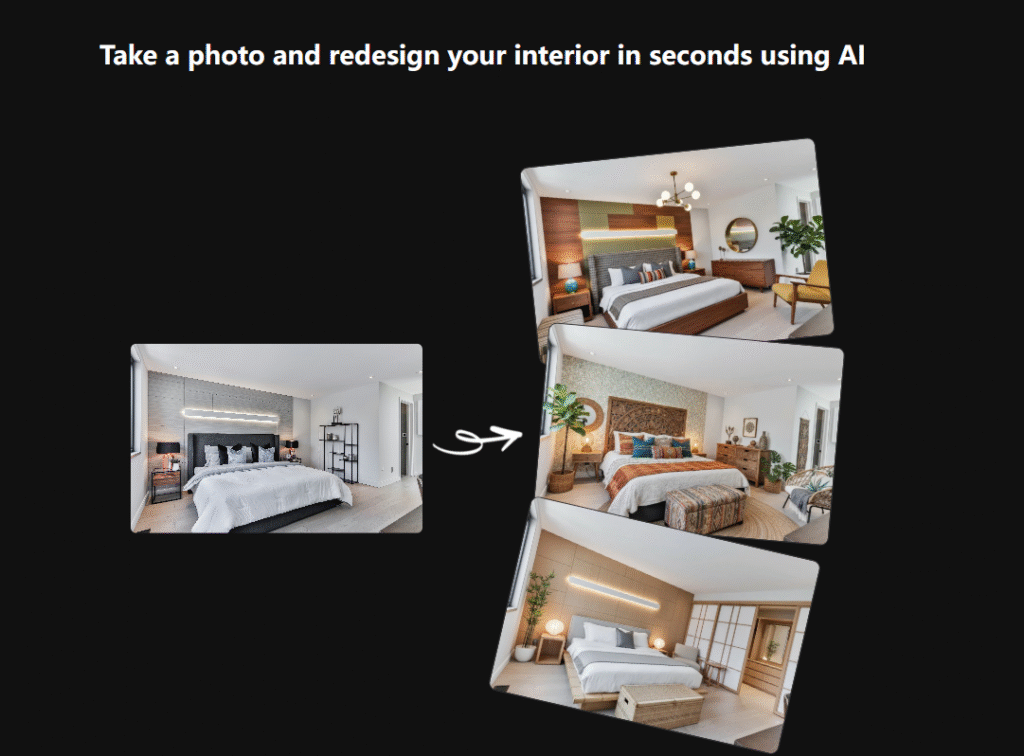
- Interior AI / DecorAI – Upload a photo of an existing room and ask the AI to restyle it in different looks (Scandinavian, Japandi, Industrial, etc.). Very useful for quick before‑and‑after ideas and social content.
- ArchiVinci AI “InteriorGPT” – Combines chat and image generation specifically for interiors, letting users describe rooms in plain language and get back coherent designs plus variations.
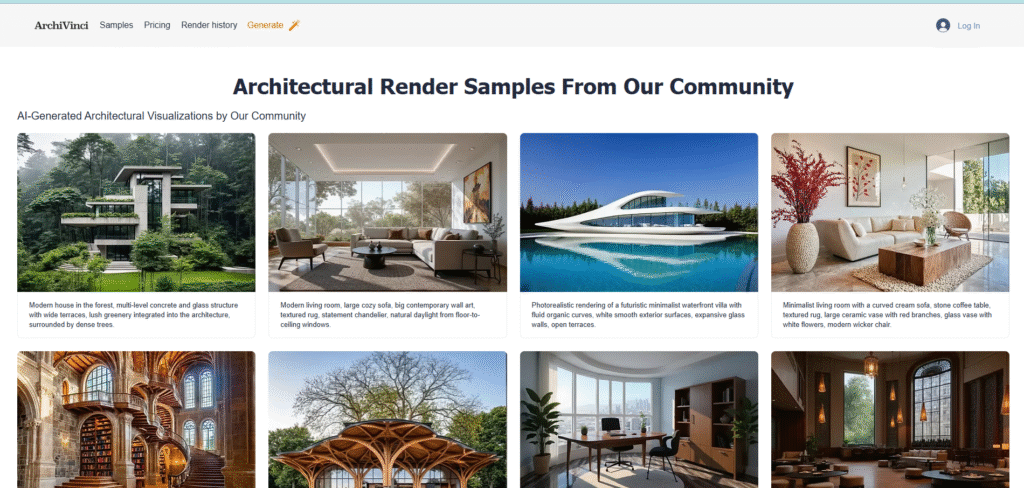
These tools are great for:
- Selling a vision early in the process.
- Overcoming “blank page” syndrome.
- Communicating style preferences with clients who struggle with technical drawings.
They do not replace detailed design. They give you a visual starting point.
2. Layout and Room Planning Tools
The second group focuses on plans, dimensions and furniture placement.
Common names in 2026 lists include:
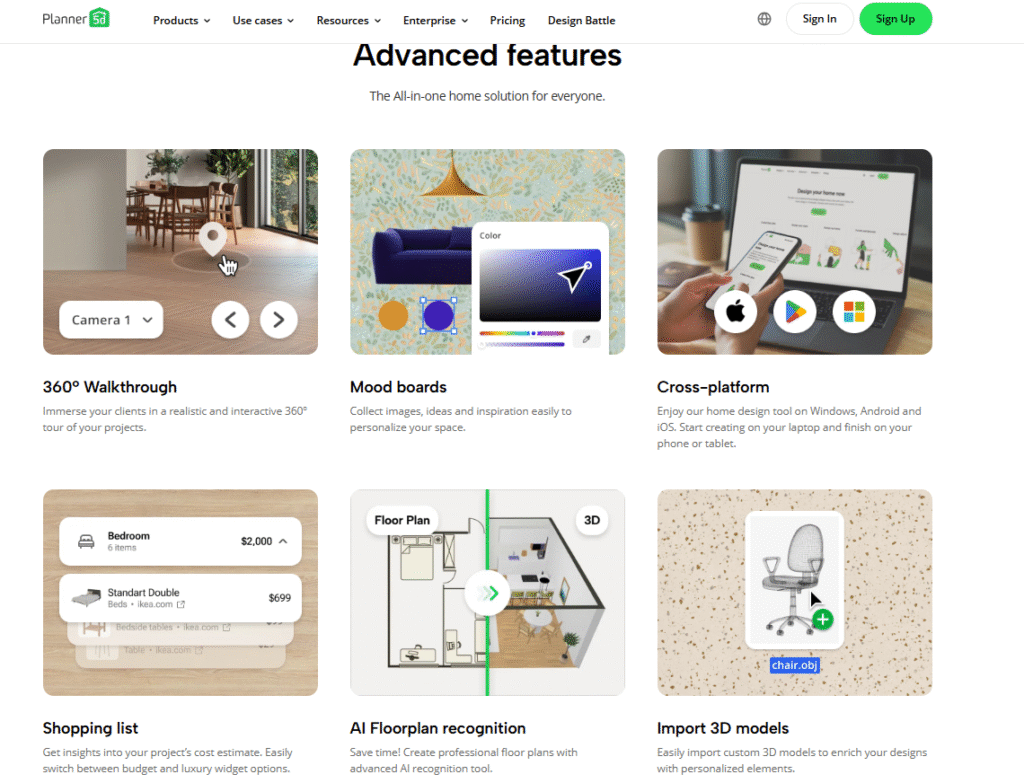
- Planner 5D – A long‑standing planning app that now adds AI suggestions for furniture placement, style presets and even color schemes.
- Homestyler / Spacely AI – Browser‑based tools that turn rough sketches or room photos into editable 2D and 3D layouts, sometimes with AI recommendations for optimal arrangements.
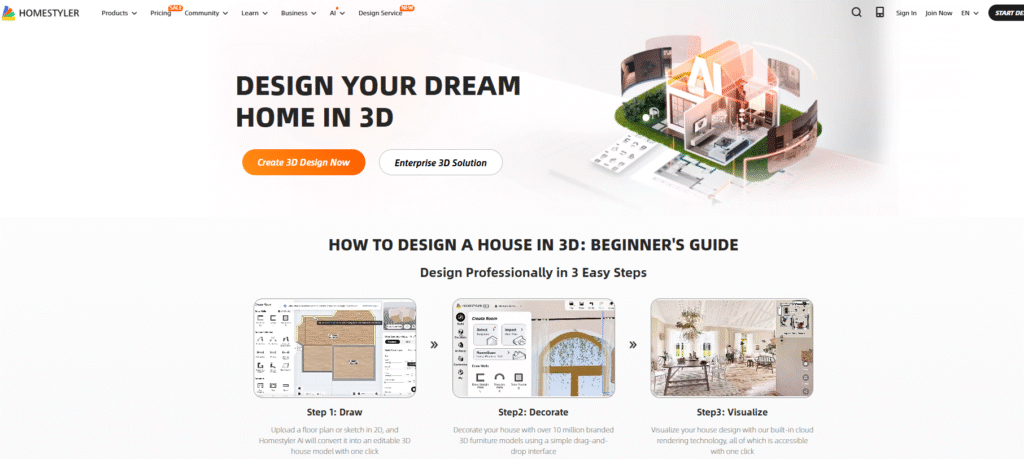
- RoomGPT‑like tools – Let users upload a simple room photo, detect roughly the shape and openings, and auto‑generate layout ideas.

These are helpful when you need to:
- Produce quick feasibility studies.
- Test different furniture footprints.
- Communicate basic layouts to clients before building detailed BIM or CAD models.
Professional designers still move to software like AutoCAD, Revit or SketchUp for precise drawings, but AI planners can significantly speed up early choices.
3. Rendering and Visualization Engines
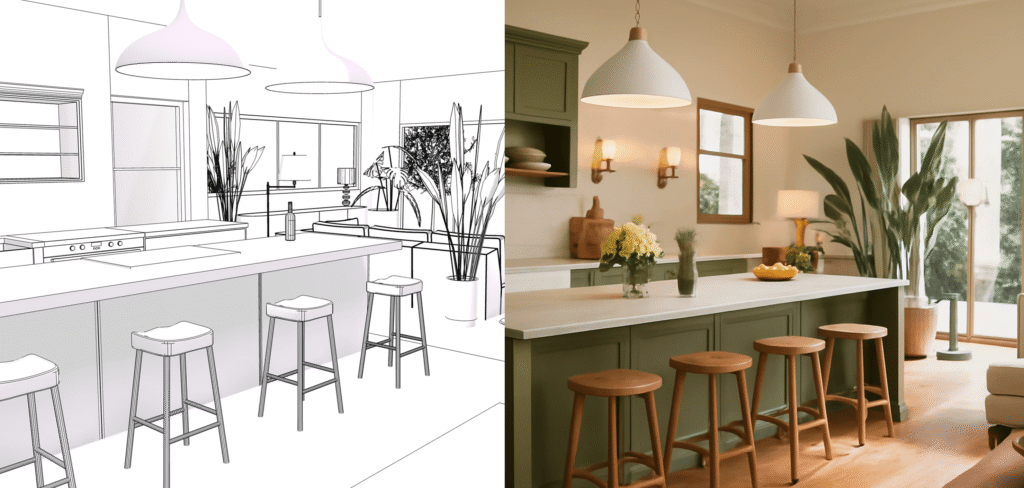
Rendering is where AI has made the biggest visible impact. Instead of waiting hours for a single high‑quality image, designers can now generate convincing visuals in minutes.
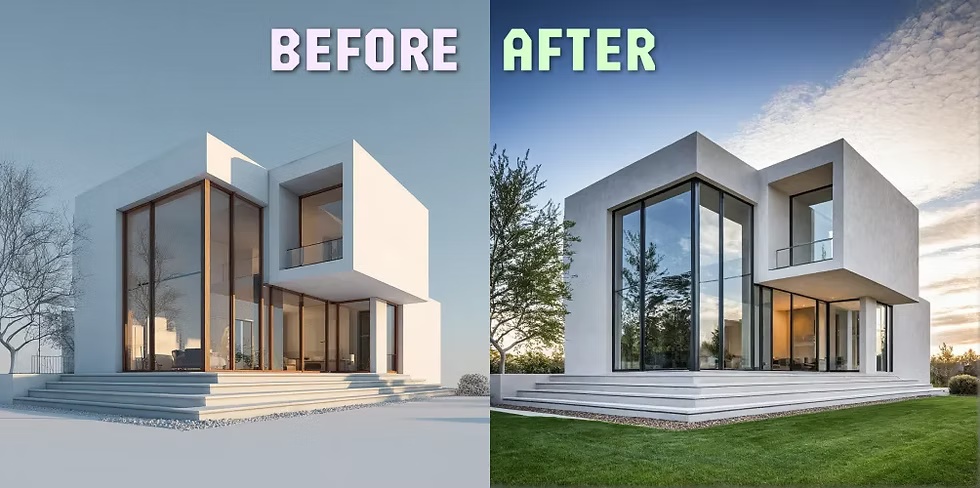
Recent articles highlight tools such as:
- ArchiVinci AI / InteriorGPT – Targeted at architects and interior designers, focusing on high‑quality still images with architectural detail.
- MyArchitectAI, Rendair, D5 Render‑style tools – Allow users to import models from SketchUp, Revit or other software and apply AI‑assisted materials, lighting and environments to produce realistic renders quickly.
- Cloud‑based “one‑click render” services integrated into planning apps like Planner 5D or HomeDesigns AI.
These tools are ideal for:
- Final client presentations.
- Marketing images for real estate listings.
- Rapid A/B testing of color and material schemes.
They do not replace the need for correct construction details, but they raise expectations for visual quality at every budget level.
4. Virtual Staging and Real‑Estate Focused Tools
The fourth group is tailored to property professionals, but many designers use them too.
Examples appearing across 2025–2026 guides include:
- Virtual Staging AI – Remove existing furniture from listing photos and replace it with AI‑generated staging that matches target buyer profiles.
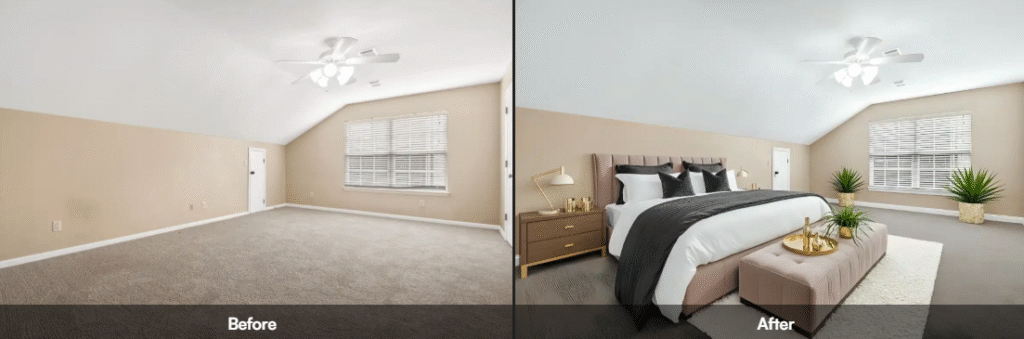
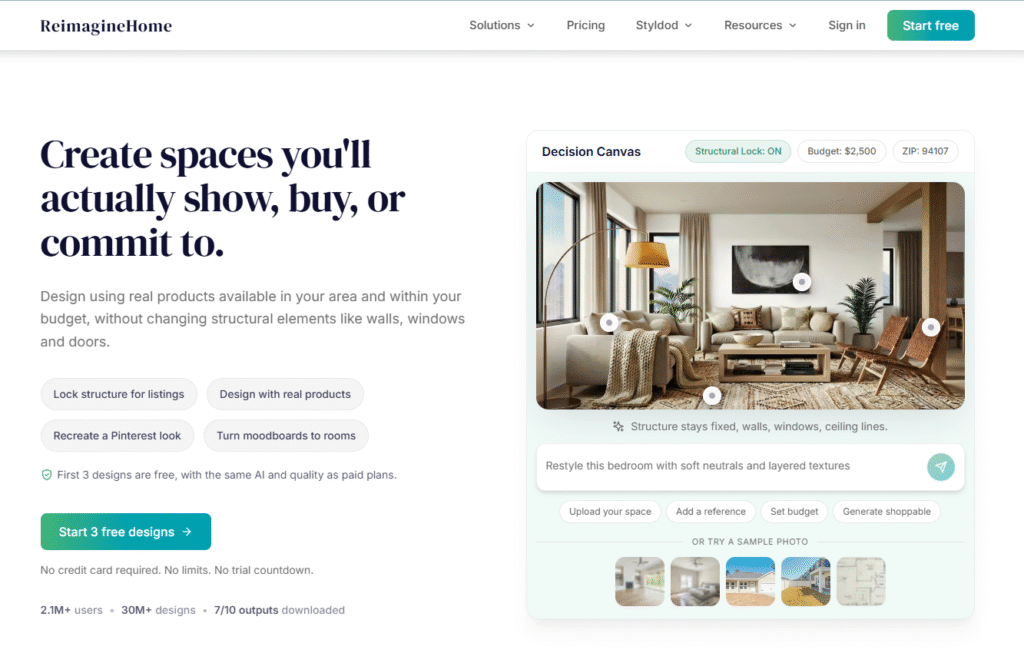
- ReimagineHome, RoomGPT – Take an empty or dated room photo and propose complete new looks, often with links to purchasable products.
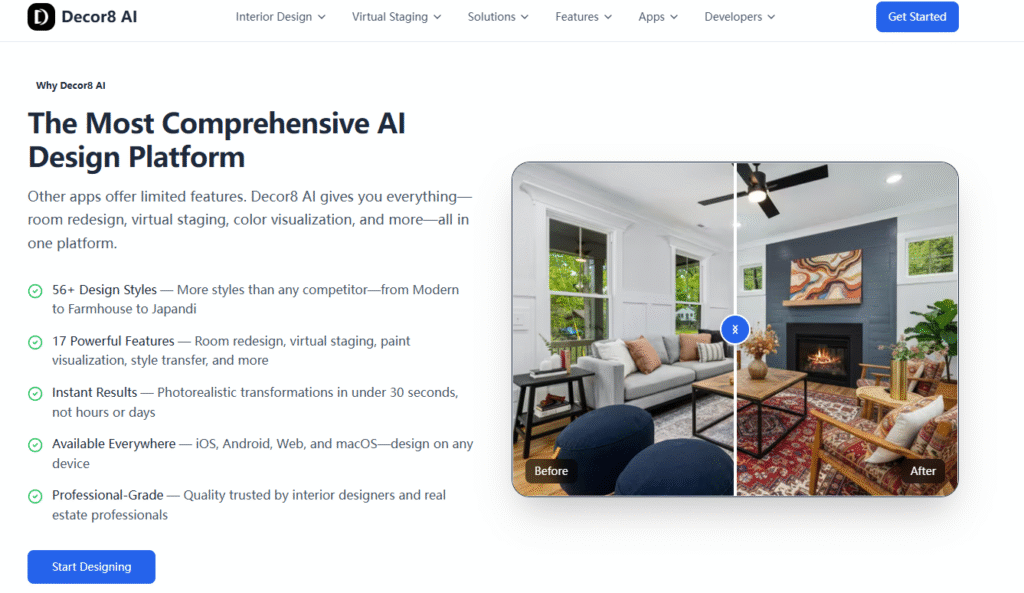
- Decor8‑style free tools – Let homeowners or agents try visual restyling quickly without design training.
These tools shine for:
- Real estate marketing and home staging.
- Quick visual ideas for small refresh projects.
- Content creation for social platforms.
For serious design work, they act as inspiration and communication aids rather than detailed design platforms.
A Practical AI‑Powered Workflow for Professional Interior Designers
Most articles stop at listing tools. In real studios, the question is different: How do we combine them into a usable workflow? Below is one example that reflects how many designers now work, and how a brand like Fenmi can fit into the process.
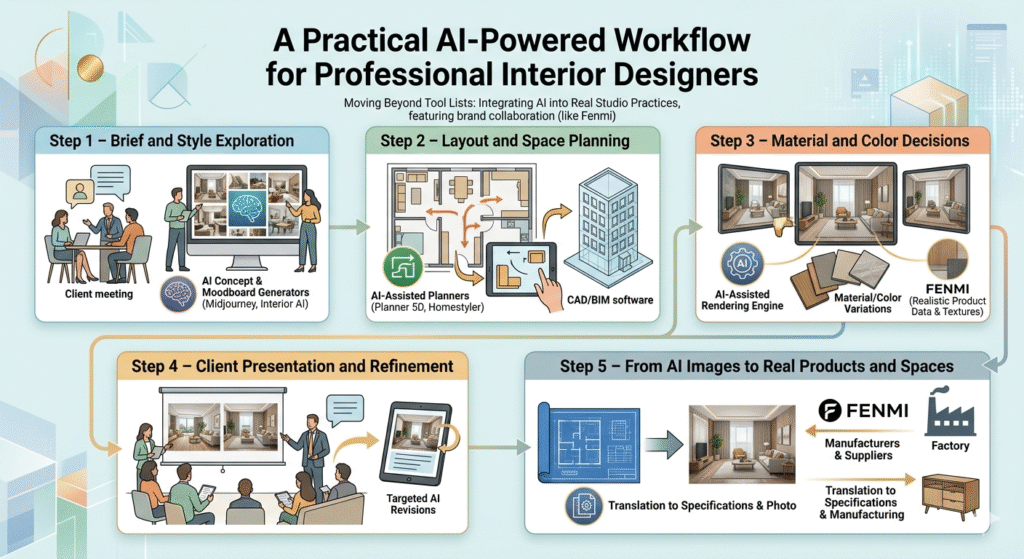
Step 1 – Brief and Style Exploration
- Talk with the client to clarify goals, budget, lifestyle and constraints.
- Use concept and moodboard generators (Midjourney, Interior AI, InteriorGPT) to create several visual directions based on key words from the brief.
- Review the images with the client, mark what feels right and what feels wrong.
The goal here is alignment, not precision. AI helps make abstract words like “warm but minimal” or “modern yet classic” visible early.
Step 2 – Layout and Space Planning
- Move into layout tools like Planner 5D or Homestyler to test furniture footprints and traffic flow.
- For small spaces, upload photos into AI‑assisted planners to quickly identify workable arrangements.
- Once a general layout is agreed, rebuild it accurately in CAD/BIM software to lock down dimensions and technical coordination.
AI shortens the number of manual iterations needed at this stage. Designers still verify clearances, codes and ergonomics.
Step 3 – Material and Color Decisions
- Use AI image tools to generate variations of the same scene with different material and color combinations.
- For more control, import your CAD/3D model into an AI‑assisted rendering engine (ArchiVinci AI, MyArchitectAI, D5‑style tools) and test specific finishes and lighting setups.
- Combine AI renders with real samples—wood, fabric, stone—to check appearance under actual light.
This is where collaboration with manufacturers and suppliers begins. Fenmi, for example, can provide realistic product data, textures and sample boards that match what appears in the AI images, reducing the risk of mismatch later.
Step 4 – Client Presentation and Refinement
- Prepare a set of AI‑enhanced visuals: moodboards, layout diagrams, and photorealistic renders.
- Use them in a structured presentation to discuss trade‑offs—budget vs materials, storage vs openness, softness vs minimalism.
- Make targeted revisions based on feedback, using AI to regenerate only the affected areas rather than rebuilding everything from scratch.
The aim is to move more of the discussion into the early stages, where change is cheap. AI visuals reduce misunderstandings and help non‑technical clients feel confident in decisions.
Step 5 – From AI Images to Real Products and Spaces
Once the design direction is approved, it must become reality. This is the step many AI tools hardly mention.
- Translate selected AI images into clear specifications: furniture sizes, materials, colors, hardware, and lighting details.
- Work with trusted manufacturers and suppliers—such as Fenmi—to confirm what can be produced as‑is, what needs adjustment, and what alternatives exist.
- Use AI again to visualize proposed product substitutions or value‑engineering ideas before finalizing.
Fenmi’s “door‑to‑door manufacturing” approach means we can take AI‑inspired concepts and quickly match them with viable products from our factories and partner suppliers, covering furniture, rugs, curtains, lighting and doors or windows. This closes the loop between digital experimentation and physical delivery.
Limitations of AI Tools and Where Human Designers Still Lead
With so many powerful tools available, it is easy to overestimate what AI can do. The most balanced reviews stress several important limits:
- Building codes and technical details – AI does not guarantee compliance with local regulations, safety requirements or structural constraints. Designers and engineers must still check everything.
- Ergonomics and comfort – AI can position furniture, but it cannot feel how a chair supports the body or how a room sounds when people talk.
- Context and culture – Image generators are trained on global data and may not respect local traditions, climate or cultural symbols unless guided carefully.
- Client psychology – Good design is as much about listening, trust and negotiation as it is about visuals. No AI tool replaces those skills.
In short, AI handles options very well. Humans still handle decisions.
How Brands Like Fenmi Use AI Together with Manufacturing
From Fenmi’s perspective as a manufacturer and integrated home‑furnishings provider, AI is most valuable when it connects design intent with production reality.
We use AI in three main ways:
- Faster concept testing
- Our design team can explore multiple styling ideas for living rooms, bedrooms or dining spaces.
- This reduces waste in prototyping and helps us respond faster to market trends seen at events .
- Clearer communication with global partners
- Designers and buyers from different countries can share AI‑generated or AI‑enhanced visuals with us.
- We respond with matched product suggestions, technical drawings and material information, making sure what they see in the image can actually be built and shipped.
- More flexible, scene‑based solutions
- Inspired by scene‑driven design at CIFF, we use AI renders to show clients full living, dining and bedroom scenarios that combine furniture, soft furnishings and architectural elements.
- Because we control manufacturing, we can adjust dimensions, fabrics or finishes to fit each project without starting from zero.
The result is a workflow where AI is not a gimmick. It is a bridge between the imagination of designers and the capabilities of factories.
Choosing the Right AI Interior Design Tools for You
Given the fast growth of AI platforms, the “best” tool depends on who you are and what you need.
- If you are a freelance designer or small studio:
- Start with one image generator (such as an Interior AI‑style tool) and one AI‑assisted renderer that works well with your existing CAD or 3D software.
- Focus on using them to speed up concept presentations, not to change your entire workflow overnight.
- If you are a design‑build firm or developer:
- Add layout planners and virtual staging tools to test unit mixes and marketing visuals quickly.
- Work with manufacturers early so your AI visuals do not promise products that are impossible to source.
- If you are a homeowner or real‑estate agent:
- Free or low‑cost tools like RoomGPT‑type apps, Decor8‑style platforms and virtual staging services can already give you strong before‑and‑after images for listings or basic room refreshes.a
- For full renovations or complex projects, consider partnering with a designer who can translate these ideas into safe, durable and coherent solutions.
Looking Ahead: AI as a Standard Part of Interior Design
AI tools for interior design will keep improving. We can expect better control over geometry, more accurate material simulation and even smarter links between AI images and real‑world product catalogs. As this happens, the line between “design software” and “AI assistant” will blur.
What likely will not change is the core value of design. Great interiors still depend on understanding how people live, what they value and how they want to feel in their spaces. AI helps visualize answers faster, but it does not decide what a good life looks like.
For brands like Fenmi, the future is about collaboration. Designers bring insight and vision. AI brings speed and variety. Manufacturing brings reliability and tactility. Together, they can turn a simple prompt into a real room that someone will happily live in for years.
If you are exploring AI tools for interior design and want to make sure your ideas can be built—not just rendered—partners who understand both design and manufacturing will be essential.